Home / Engineering Resources / Installation and Commissioning
INSTALLATION / SAMPLE ACCEPTANCE
Cooling Fan Installation and Commissioning
Use the approved fan configuration in the equipment it is intended to cool. The mounting, wiring, surrounding air path and operating load all belong in the sample check. This page helps equipment builders and buyers prepare that check, record the result and retain the configuration for repeat production.
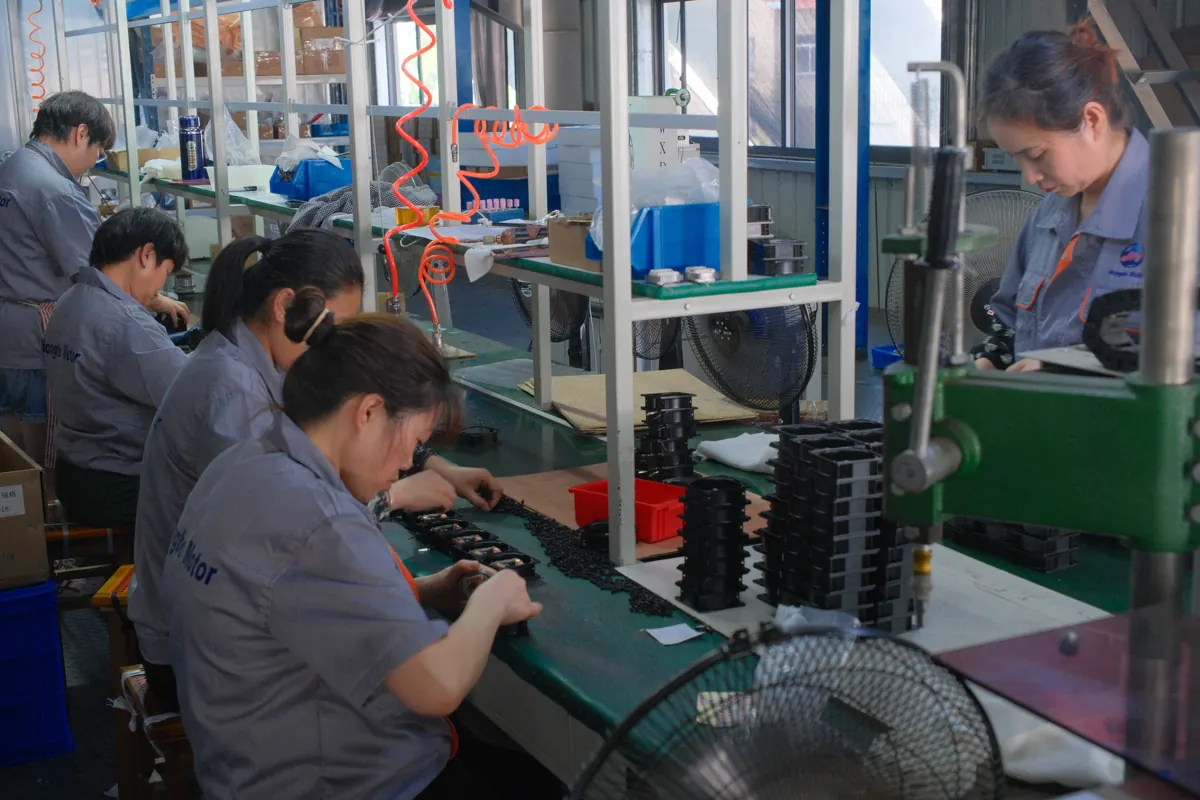
Receive, install, test and retain the approved record
01 / ESTABLISH THE BASELINE
Assemble the installation and acceptance file
Obtain the instructions for the full fan model before installation. Screw torque, permitted supply, connection details, protection and operating limits must come from the applicable Hongbo documents and the equipment requirements. Installation and electrical work should be performed by qualified personnel with the relevant supply isolated.
Start with the full part number, the approved drawing revision and the sample or order reference. Add the connection diagram, the required performance information and any approved connector or label arrangement. Confirm which guard, filter, bracket or inlet component is part of the assembly.
Write the equipment acceptance requirements alongside those documents. Identify the heat load or operating cycle, expected ambient conditions, measurement locations and the value or behaviour that constitutes a pass. Select a test duration appropriate to the equipment and agree it before running the sample. Do not choose a pass value after seeing the result.
If an instruction or criterion is missing, record the question and obtain it before the affected operation. A catalogue sheet can help select a family, while the current installation and connection documents define the version being assembled.
02 / SIX STAGES, ONE SAMPLE RECORD
Follow the sample from receiving to release
01
Identify and inspect the received fan
Compare the label, complete suffix and quantity with the order and sample definition. Retain the carton identification and note the receiving date. Check for visible damage, deformation, loose parts or damaged leads before installing the unit.
Photograph an identification mismatch or transport damage before the evidence is lost. Keep the affected unit and packaging traceable to the delivery. Use order and after-sales support to request the next action. A receiving discrepancy should be resolved before that unit becomes the approved reference sample.
Record at this stage: the received part, sample identifier, order reference, condition and any discrepancy.
02
Confirm the mechanical installation
Check the mounting-hole positions, fan body depth, mating panel and space for the connector and lead exit against the drawing. Include the cover, nearby components and service access. A nominal size does not define every dimension or the panel cutout.
For example, the Hongbo 12025 catalogue uses the nominal 25 mm family name while its side drawing shows 26 ± 0.5 mm. Use the current model drawing for the assembly and preserve the additional space needed for wiring and the enclosure. This is a drawing-reading example, not a dimension rule for other models.
Use the specified fasteners and tightening requirements for the actual frame and mounting arrangement. Check that the frame is supported without distortion and that the guard, grille, inlet component and leads cannot contact moving parts. Confirm airflow direction from the model marking or drawing and compare it with the equipment’s intended air path.
Record at this stage: the installation drawing, fastening requirement, orientation, accessory references and photographs of the completed mechanical fit.
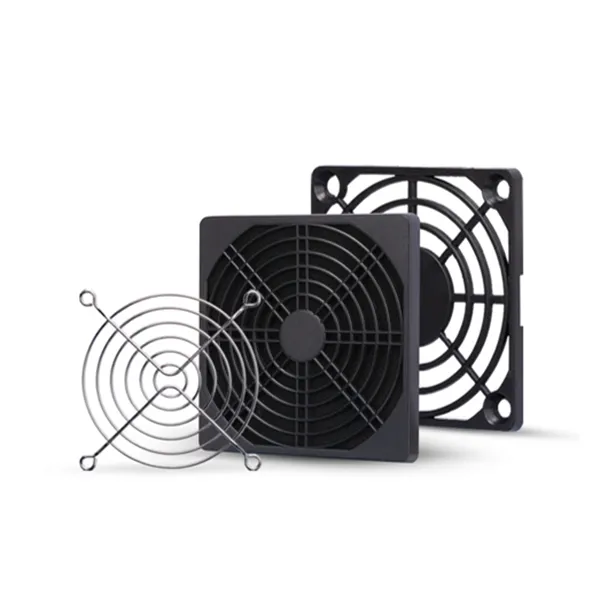
Keep the guard, wiring and cover in the fit check
The accessory is part of the installed configuration. Use the actual assembly drawing to check the mounting, the lead route and clearance to moving parts. A nominal fan frame does not define a guard or panel cutout.
03
Verify the electrical and control interfaces
Check the equipment supply against the model’s specified voltage, frequency or DC operating range, as applicable. Use the exact connection drawing for terminals, leads and any required protective connections. Confirm the connector identification and pin assignment before connection.
Treat speed control and feedback as separate interfaces from the fan supply. Where present, compare the command type, signal requirements and host input with the fan document. Do not infer a PWM, tachometer or alarm function from wire colour, wire count or a similar connector. A dual-voltage connection also needs its own verified wiring arrangement.
Keep the fan leads supported and clear of rotating parts, sharp edges and moving equipment. Confirm any equipment protection or interlock required for the selected configuration before the first run. This page does not provide a substitute terminal diagram or a universal protection value.
Record at this stage: the connection-document revision, verified supply, connector and any control or feedback requirement.
04
Complete a controlled first run
Follow the model instructions and the equipment’s commissioning procedure. The fan must be secured, required covers and guards in place and people clear of moving parts before operation. Observe startup and the intended direction of airflow using an appropriate safe method.
Note unexpected vibration, rubbing, abnormal sound, a smell or an electrical symptom. Stop operation when an unsafe or abnormal condition appears and isolate the relevant supply before inspection. Record what happened and under which condition instead of repeatedly restarting the unit without resolving the cause.
Where a control or monitoring function is part of the specification, confirm the expected response using the approved test method. A rotating fan alone does not establish that the equipment’s speed command or alarm input is working.
Record at this stage: startup behaviour, the supplied condition, control observations and whether the unit can proceed to the installed-load test.
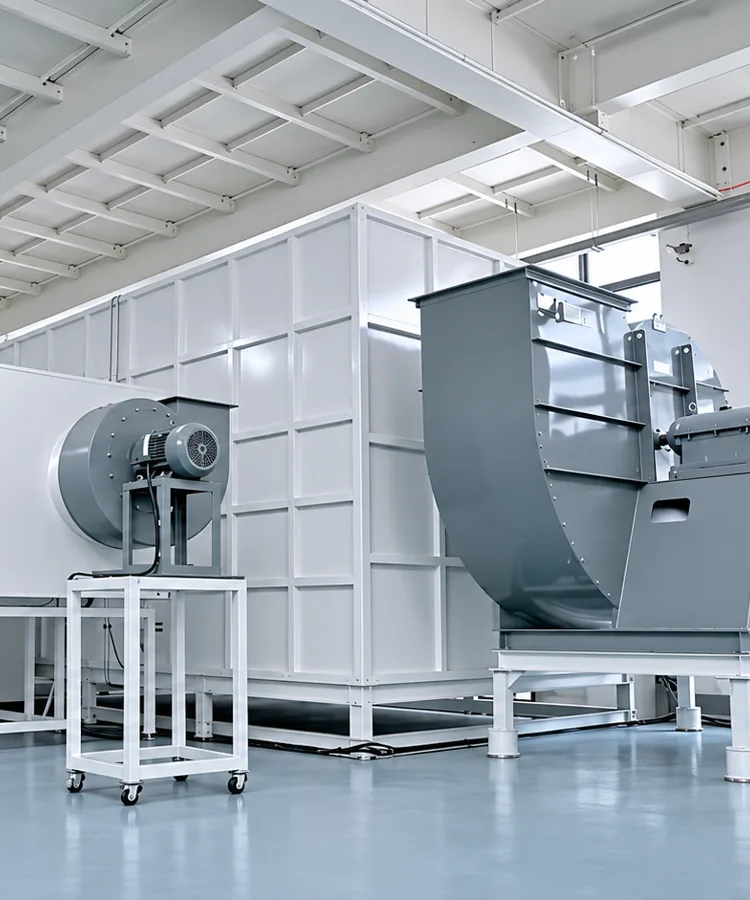
Keep catalogue data beside the installed result
Record the actual load, supply, filter and cover arrangement with the measurements. Retain the sample identifier and acceptance criterion so the next review can repeat the same test.
05
Test the completed equipment at its defined load
Use the actual covers, inlet and outlet arrangement, filters and relevant internal obstructions. Identify the equipment load or operating cycle. Record ambient and measurement locations with the measured thermal or airflow result so the test can be repeated.
If temperature is the acceptance criterion, identify the component or air location and the allowed value. If installed airflow is required, use an appropriate measurement arrangement and retain its method. Compare the result with the pre-agreed criterion. A free-air catalogue value does not establish the flow in the completed enclosure.
For a filter assembly, distinguish the initial clean-filter condition from the service condition the equipment needs to tolerate. The maintenance or filter-change criterion must be defined by the equipment requirements. Do not invent a universal number of hours between filter changes.
Where noise, vibration or a host alarm is part of the approval, record the test condition and the applicable limit or expected behaviour. Keep these observations with the same sample and supply setting as the thermal result.
Record at this stage: the load, ambient, air-path configuration, test method, readings, acceptance criteria and result.
06
Approve the configuration and identify the first order
Review the results against the planned criteria. Resolve deviations or record their written acceptance before releasing the configuration. Retain the full part number, drawing, sample reference, test record and approval responsibility together.
Identify the first purchase order or production revision to which the approval applies. If the impeller, motor, cable, connector, filter, panel or control requirement later changes, determine which checks must be repeated. Link the revised result to the changed configuration so later operators do not follow an obsolete installation record.
Record at this stage: the approval decision, unresolved restrictions if any, applicable document revisions and the first affected order.
03 / RESOLVE THE OBSERVATION
Use observations to choose the next action
| Observation | Evidence to retain | Next action |
|---|---|---|
| Fan does not start | Full label, documented supply and connection, command state if present, observed symptom | Stop the test and have qualified personnel verify the configuration against its instructions. Contact support with the record if the issue remains. |
| Rubbing, vibration or unexpected sound | Mounting photographs, accessory positions, fastener arrangement, when the symptom begins | Isolate before inspection. Review fit and clearances, then request technical review where needed. |
| Fan runs but the equipment remains hot | Load, ambient, cover and filter state, temperature locations and readings | Review the complete air path and the required operating point. Reassess the candidate or system arrangement using the same recorded conditions. |
| Host speed reading or alarm is wrong | Exact fan interface document, connector mapping, host requirement and observed state | Compare the part-specific interfaces. Route a required configuration change through OEM review. |
| Label, quantity or condition differs from the order | Order and packing references, label and carton photographs, affected quantities | Use order support to resolve the discrepancy before approving the sample. |
These observations organize an enquiry. They do not identify a failure cause without checking the relevant installation, documents and measurements.
Keep service access in the installation record
Record how the unit can be identified, isolated, inspected and replaced in the finished equipment. Check that the guard or filter can be serviced using the equipment’s procedure and that a cable or adjacent part will not be damaged during removal.
Set inspection and cleaning requirements from the approved equipment and fan instructions and the actual operating environment. If access, the filter arrangement or the operating duty changes, review the effect on the installed result. A previous test remains evidence for the configuration it actually tested.
04 / RETAIN THE APPROVED CONFIGURATION
Download a blank commissioning record
The accompanying record collects part and drawing identity, installation details, supply, test conditions, readings, acceptance and the applicable order. Fill it with measured and verified information. Leave unknown entries open for resolution rather than turning catalogue values into test results.
Installation questions
Is there a single mounting torque for every fan?
Use the requirement for the exact model, frame and fastening arrangement. Obtain it with the installation drawing if it is not available. Do not transfer another manufacturer’s table or another frame’s value to the selected Hongbo part.
Does the catalogue prove the sample will cool the equipment?
The catalogue supports initial selection. The sample approval must address the actual air path, supply, load and acceptance conditions of the equipment. Retain both the catalogue reference and the installed test result.
Should every change trigger the same complete test?
Identify what changed and what characteristics it can affect. A connector change needs an interface and assembly review. A change to the impeller or air path can require a new performance assessment. Agree and retain the relevant rechecks before release.
What should accompany a technical issue?
Send the order and full fan reference, applicable drawing, installation photographs, test conditions and the observed result. State whether one unit or several are affected and when the symptom occurs. Request instructions before returning or modifying a unit.
Prepare an installation that can be repeated
Send the full model and the task you need to complete. Request the applicable installation or connection document, agree the sample acceptance criteria and keep the approved record with the order. For an operating or receiving issue, use the order-support route with the evidence already collected.