Home / Engineering Resources / Order Terms
Cooling Fan Sales Terms and Order Approval
Use this guide once you have an offer for a standard fan, an OEM configuration or a repeat order. Match the commercial offer and the technical documents to the exact item and revision you intend to buy.
Before you issue a PO
What to confirm before issuing the purchase order
Review the technical and commercial items side by side. Use the latest identified revision of each document so the buyer, engineer and receiving team can work from the same order.
| Review item | What to verify in your order file |
|---|---|
| Part and evidence | Confirm the full fan model, quantity per configuration, drawing and connection revisions, and any agreed sample identifier. List the test or conformity files required with the order. |
| Offer and quantities | Check the offered quantities, unit price, currency, quote validity, and separately stated sample, fixture or artwork charges. Compare the same configuration and shipment basis when reviewing alternatives. |
| Payment and timing | Verify the agreed payment schedule and the event that starts production timing, such as receipt of a drawing approval or the commercial confirmation named on the offer. Keep target dispatch and expected arrival as separate dates. |
| Delivery and packing | Confirm the named delivery point and agreed shipping arrangement, plus carton markings, units per carton and required shipping documents. Identify any special handling or inspection at receipt. |
| Acceptance and service | Record the inspection or sample reference, how to report discrepancies, and the warranty or return provisions that apply to the order. Keep this information with the supplier and purchase references. |
Release the order in four checks
Procurement can close each check with a document or an identified decision. Open questions that affect fit, price or timing stay visible until the parties have agreed how to handle them.
01
Review the commercial offer
Check the quantities, currency, payment schedule, charges and dispatch terms against the version of the fan being offered.
Record. Keep the dated quotation or proforma invoice reference.
02
Confirm the technical version
Match the drawing, connection details, samples that were accepted and all requested marking. Include a revision for any customer-specific artwork or component.
Record. Keep the drawing and the accepted sample references on the same order record.
03
Release the purchase reference
Send the agreed configuration, quantities, required dates and references. Check the order confirmation for any difference the supplier has called out.
Record. Keep the confirmed part, commercial terms and delivery requirements together.
04
Record any change
Send the requested change, affected order lines and desired effective date. Ask for the updated quantity, commercial impact, files and schedule in writing before using the changed version.
Record. Keep the accepted revision and the first order or lot it applies to.
Start from the offer for this order
Keep the written quotation or proforma invoice, approved technical documents and purchase order together. Each should identify the same part and revision. Ask the order contact to resolve differences in the written record before you approve the order.
Standard catalogue fan
Include the full model suffix and supply version. A short family name such as 12025 can cover more than one electrical and bearing configuration. Check the exact row and drawing you intend to purchase.
OEM configuration
Pair the base model with the approved drawing, cable or connector details, label artwork and sample reference. Confirm the part marking that receiving staff will use to identify the configuration.
Repeat purchase
Reference the approved version and the last order. Confirm the current offer and date even when the design is unchanged. Record any accepted changes on the new order.
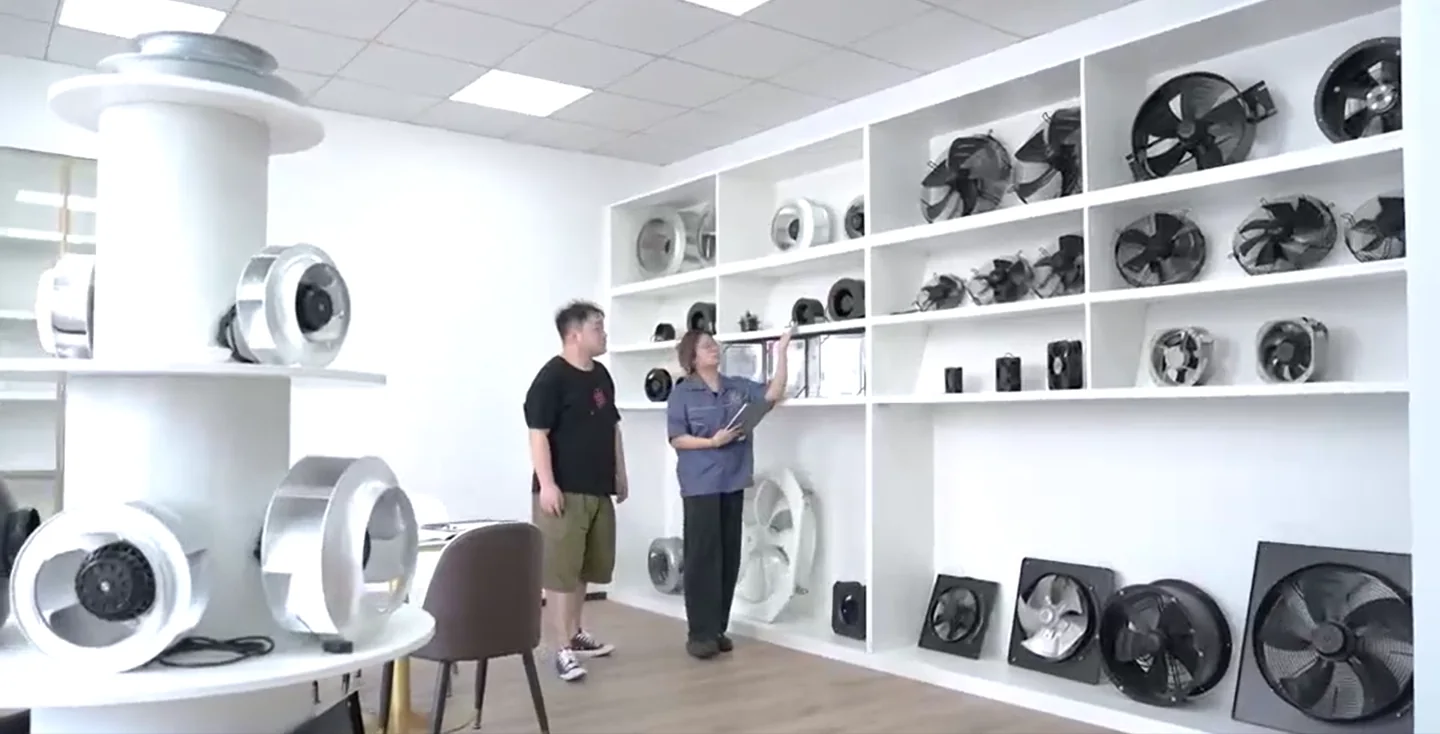
A repeat order needs a new carton mark
In this example a buyer is reordering an approved fan and needs a new barcode and carton mark. The fan configuration and the packaging instructions can be reviewed as two separate records.
Carry forward
Copy the approved model suffix, fan drawing and sample reference from the prior order. Confirm the part marking and any required label on the unit itself with the buyer’s receiving team.
Change and approve
Supply the new artwork revision, label location, carton quantity and the date the change should take effect. Check the proof against the receiving system before confirming the revised packing instruction and order.
Release and trace
Record which purchase order first uses the new carton mark. At receipt, compare the packing list and carton identity against that instruction and report discrepancies by line item.
Questions before committing an order
Where do I confirm payment terms?
Use the agreed commercial document for the order. It should show the currency, payment schedule, the recipient named for the transaction and relevant timing. Ask the order contact to confirm any difference with your established purchasing records.
Can we combine a sample and bulk order?
State the quantities and timing for each. Specify whether the bulk release depends on sample approval and confirm how that release condition is reflected in the written offer.
Where should a change or cancellation request go?
Send the specific order lines, revision, quantities and date. Ask for the current production status, any terms that apply and the written decision before changing your purchase record.
Which commercial document covers an existing order issue?
Start with the order or invoice and the written terms agreed for that purchase. Include the shipment and unit identification if the issue relates to delivered goods.
Confirm the order against one version
Send the quote or order reference, exact model, quantities and the point that needs a written decision. The contact form will open with those fields in the message.